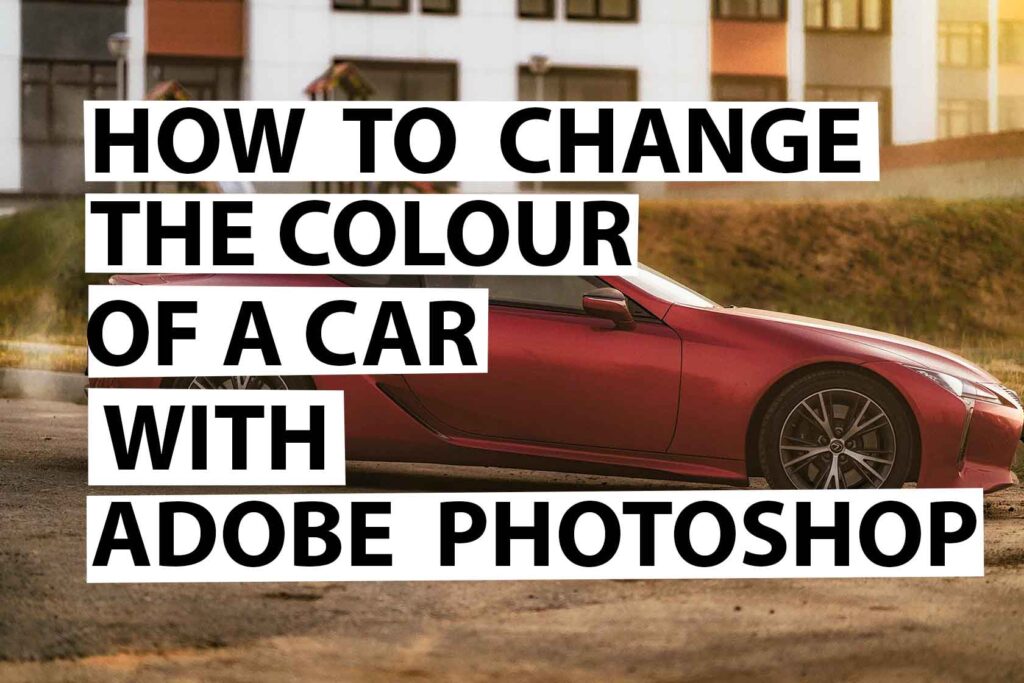
In this tutorial, we’ll show you how to change the colour of a car with Adobe Photoshop in under 2 mins.
Please follow the steps below
1.Open up Adobe Photoshop 2023
2.Go to Magnetic Lasso Tool
3.Move the Magnetic Lasso Tool around the edges of outside of the car
4.Go to Image and adjustments and deasturates
5.Go to Hue/Saturation and select the colour that you want to change to
6. Tick the colorize box
7. Adjust the colour with the arrows
8.Your done!
To view the full video on how to change the colour of a car with Adobe Photoshop in under two minutes click here
Please be sure to drop your comments and subscribe to my youtube channel
Leave a Reply