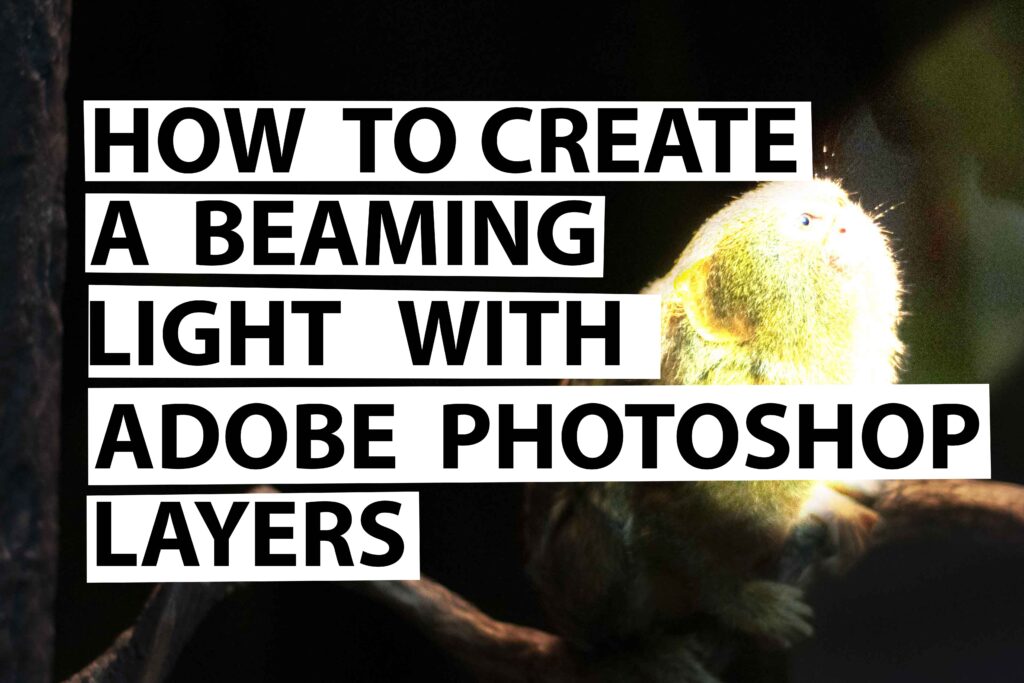
In this short step by step guide, I will show you how to create a beaming light with Adobe Photoshop layers.
Here are the steps.
1.Open up Adobe Photoshop
2.Go to Magnetic Lasso tool
3.Go to the top edge of your image and use the lasso tool to select the area where you want to beam
4.Go to levels and move the sliders to the level of light beam that you want
5.Go to the layer mask icon which is near levels and adjust the density and feature
6.Now you should see your light beam shining over the image
To view the full video on how to create a beaming light with Adobe Photoshop layers click here
Please be sure to drop your comments and subscribe to my youtube channel
Leave a Reply